Choose your device to get started. Bring your own authorised playlist, or explore with Try Demo. No channels or subscriptions included; any provider charges are separate.
From your sofa to your pocket
Free player
Android TV, phones & tablets
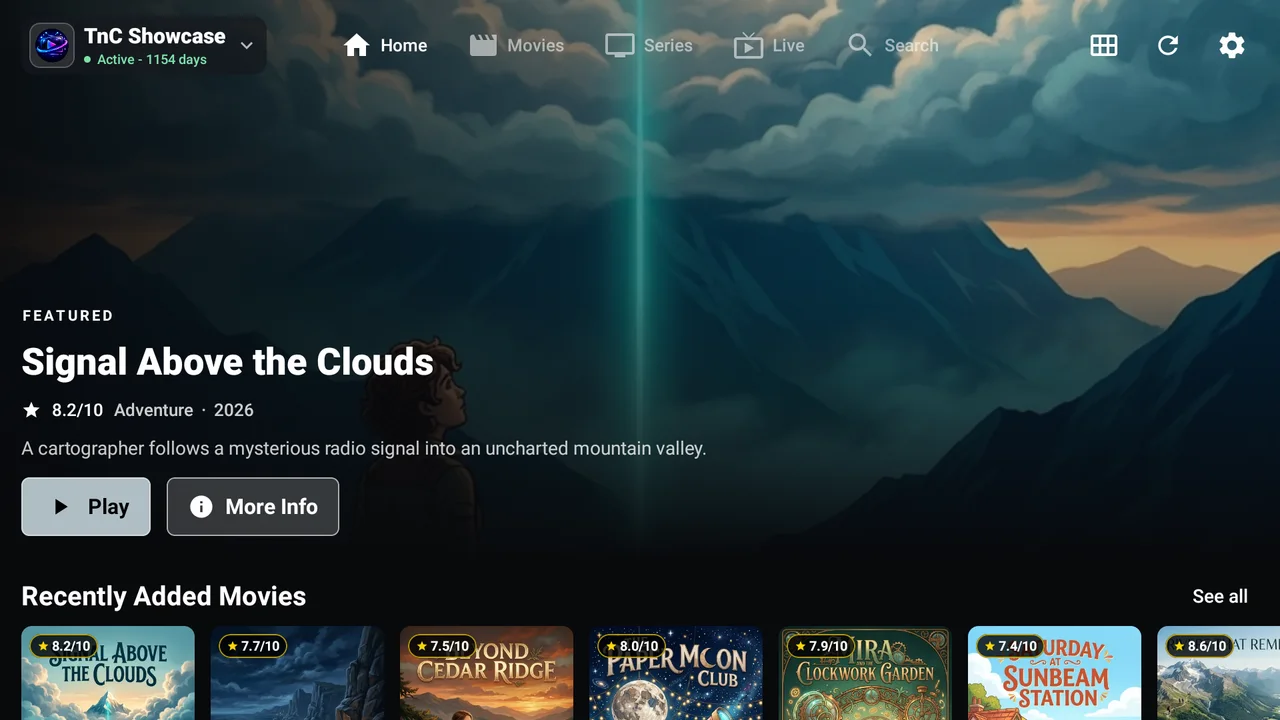
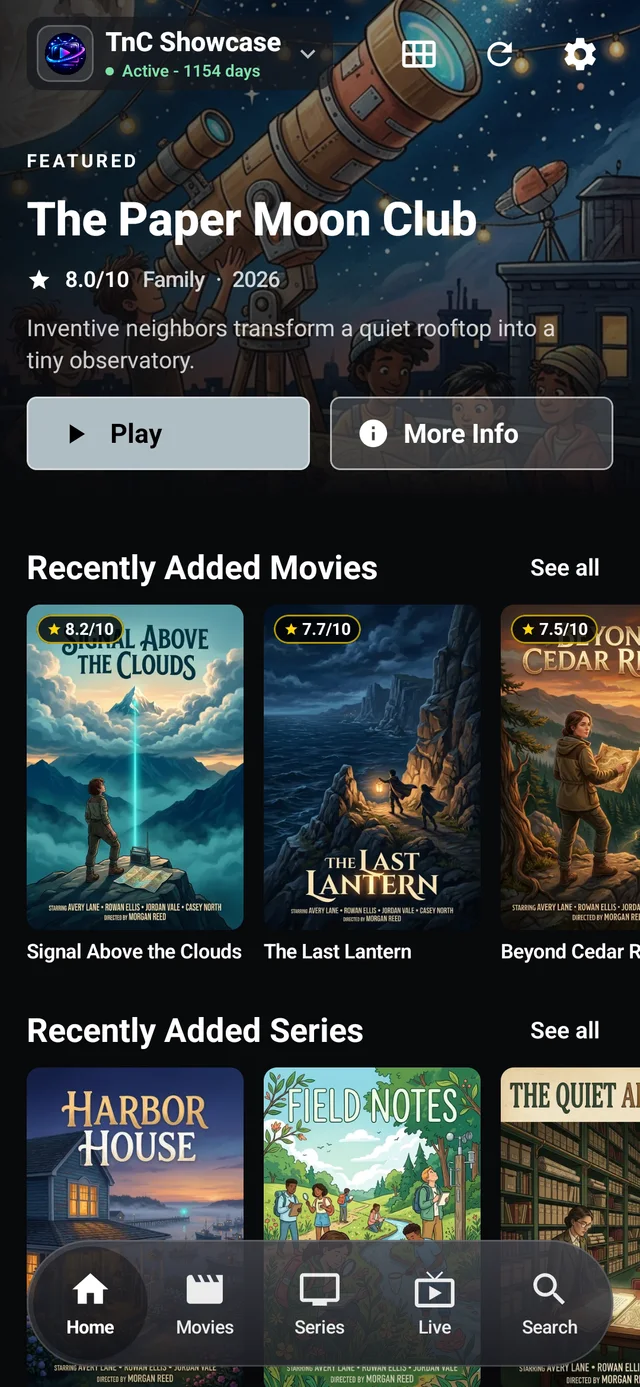
Remote-ready on Android TV and Google TV. Touch-friendly on phones and tablets. Your favourite live TV, movies, and series on screens big and small.
TV. Tablet. Phone. Your playlist.
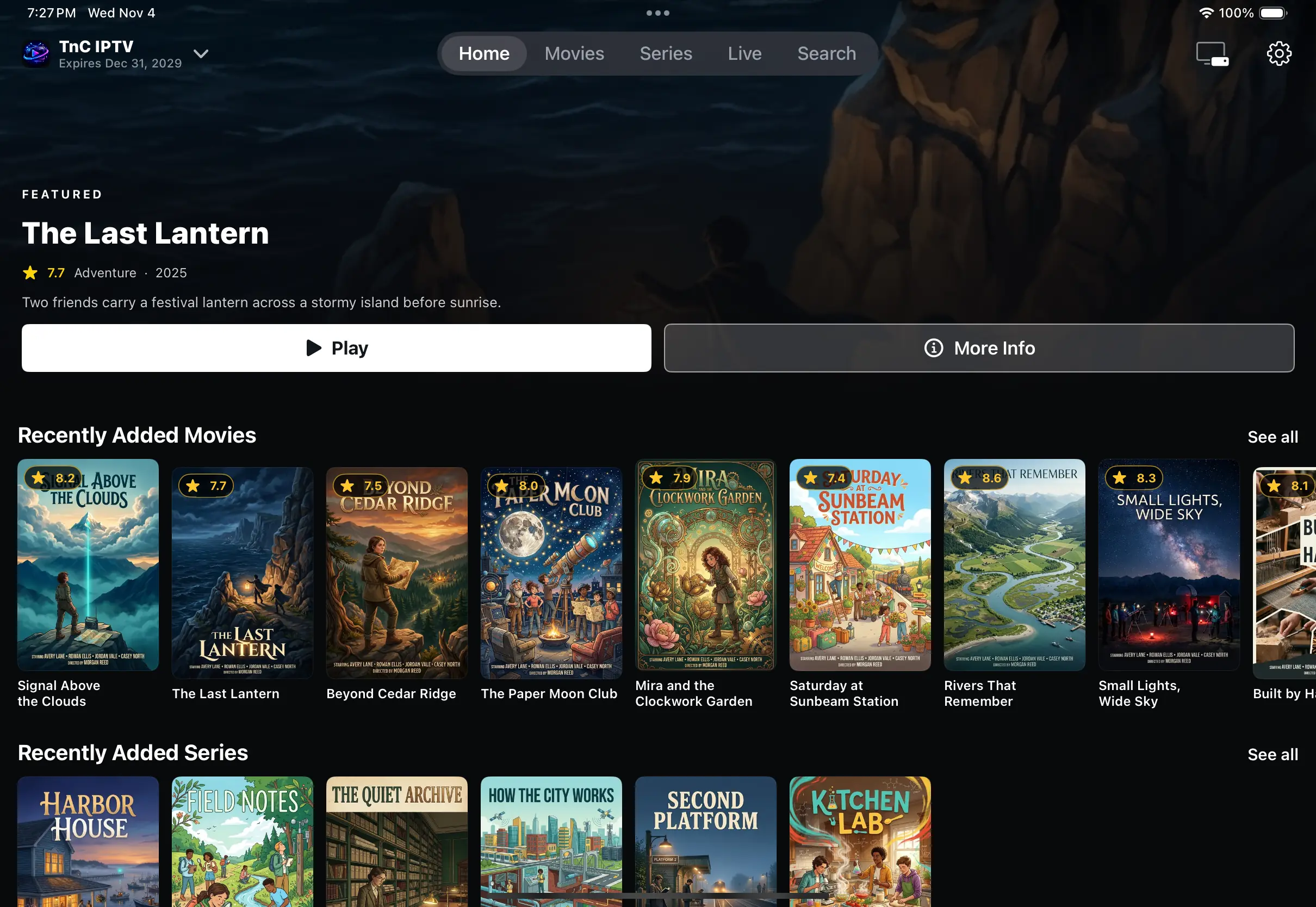
Real Android TV and phone captures, plus an Android tablet emulator capture. Sample content is not included.
Phone and tablet availability varies by device and region; Google Play handles their updates. Android TV, Google TV or compatible Fire TV? Use the TV APK below.
Native to your Apple devices
Free player
iPhone & iPad
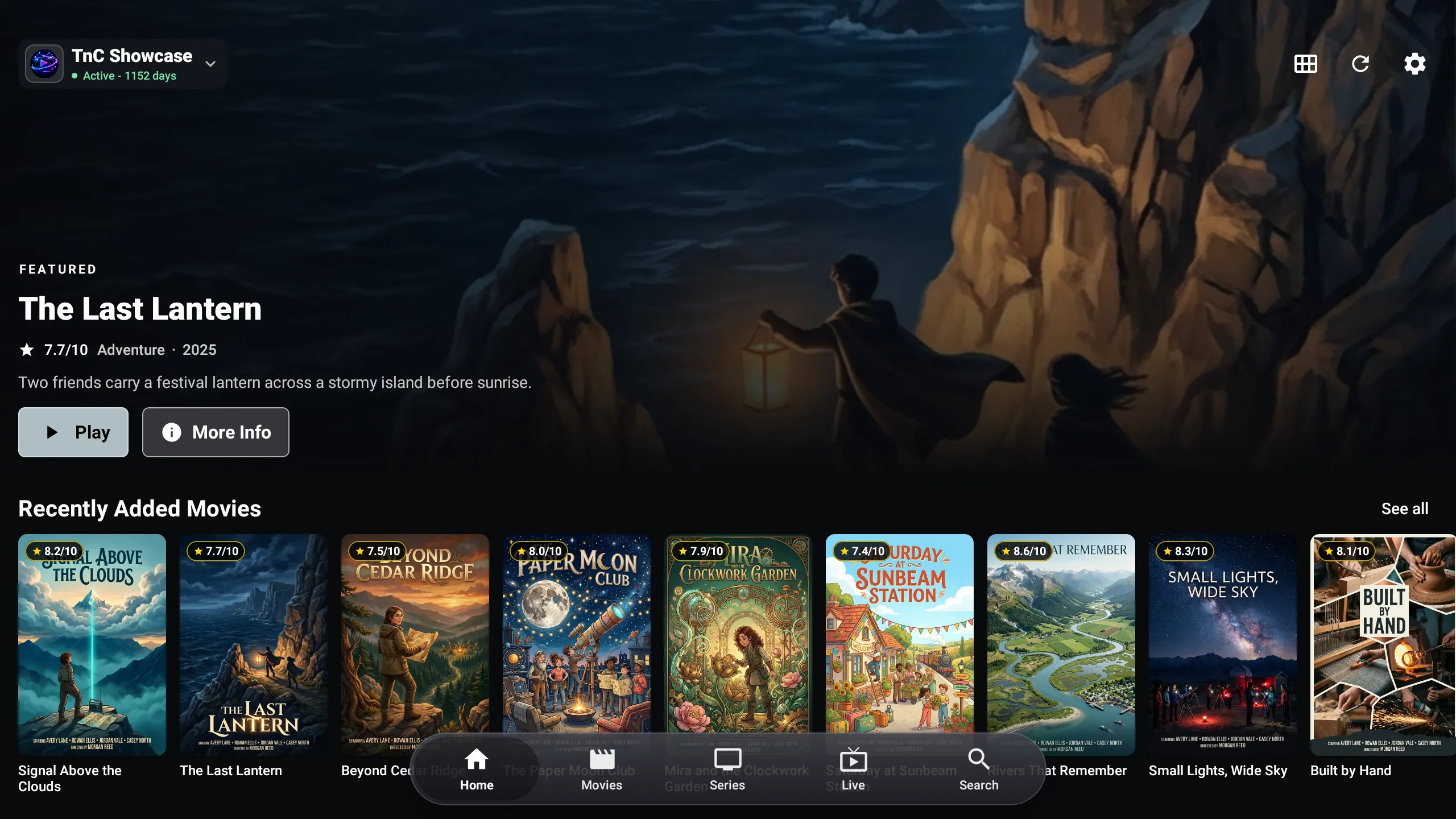
Your own live TV, movies, and series in a native iOS app, with layouts that adapt to iPhone and iPad.
iPad + iPhone. Your Apple devices.
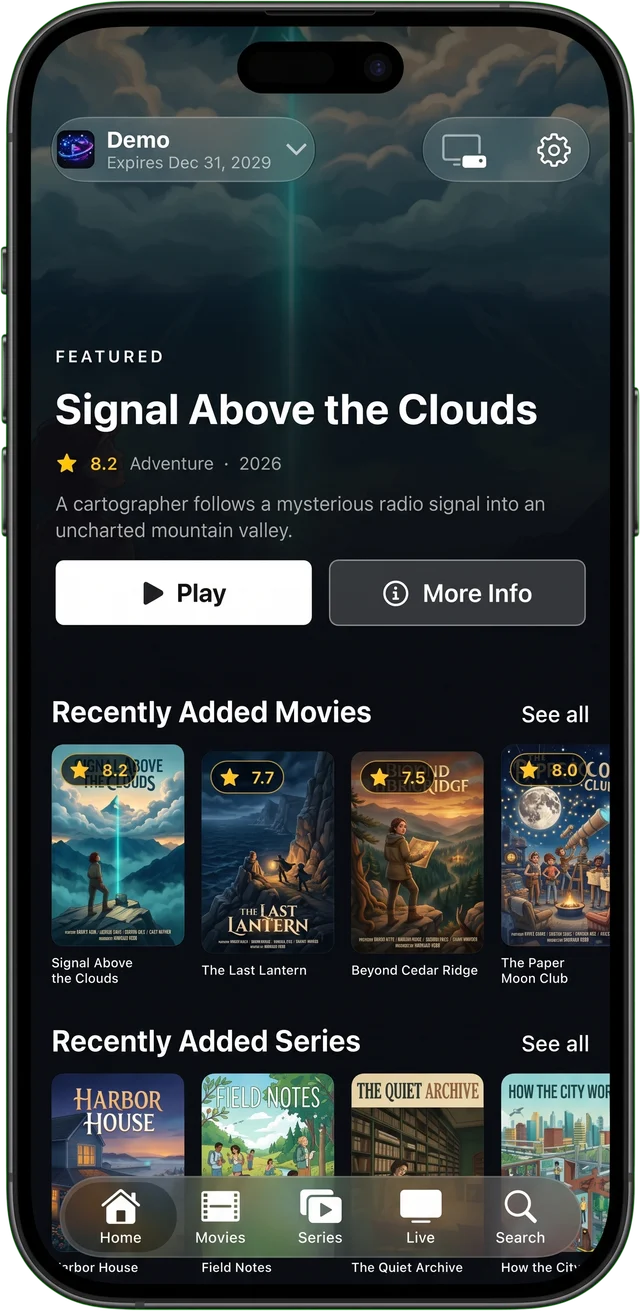
Actual iPhone photo (Demo shown) and iPad simulator capture. Sample content is not included.
Requires iOS/iPadOS 16 or later. Availability varies by region. Updates come through the App Store.
Install, open TnC, then try Demo or add your own provider details. Features and settings differ between Android and iOS. Android previews show TV, phone and tablet layouts; Apple previews show the iPhone app and an iPad simulator capture.
The big-screen experience
Free TV APK
Made for your remote.
For Android TV, Google TV, and compatible Fire TV devices. Download the TV APK using our public link; no GitHub account is needed.
On Android TV or Google TV, transfer the TV APK to your device and open it with an installer or file manager. Allow that installer to install unknown apps only if prompted.
Real Android TV capture. Sample content is not included.
Fire TV Stick / installation guide
Five steps. Then you're all set.
Use Downloader to install TnC on a Fire OS device that supports Android APK sideloading.
Follow the steps in order on your Fire TV. Visuals are illustrations, not screenshots or interactive controls; menu labels vary by device.
Prepare your Fire TV
Enable Developer Options
Open Settings > My Fire TV > About. Highlight your Fire TV device name and press Select seven times, until you see the developer confirmation. Go back to My Fire TV to find Developer Options. If it's already visible, continue to the next step.
My Fire TV / About
Your Fire TV device
Select × 7
Developer Options revealed
Illustration: highlight your device name, then press Select seven times.
Find the permission
Find the unknown-app installation setting
Open Settings > My Fire TV > Developer Options. Look for Install unknown apps. On older Fire OS versions, this is called Apps from Unknown Sources.
Modern devices grant permission per app. Downloader may not appear in the list until you install it in step 3. If your device only offers a global toggle, enable it only while needed and turn it off when finished.
Developer Options
Install unknown apps
Older Fire OS: Apps from Unknown Sources
Illustration: find the installation permission, not ADB debugging.
Your download tool
Install Downloader
From the Fire TV home screen, choose Find > Search and search for Downloader. Install the app by AFTVnews, identified by its orange download-arrow icon.
Return to Developer Options > Install unknown apps and allow Downloader to install apps. This permission is for Downloader, not for every app on the device.
Find / Search
DownloaderBy AFTVnews
Allow installs for Downloader
Illustration: install Downloader, then grant that app permission.
Choose Go, wait for the APK download, and select Install in the system prompt. Only install the APK from this official TnC link. After installation, you can delete the downloaded APK and turn off Downloader's install permission if you no longer need it.
Downloader / enter URL
https://tinyurl.com/tnc-ip-tv
GoDownloadInstall
Illustration: enter the official link in Downloader and approve Install.
Optional / app updates
Allow TnC's in-app updates, if you want to use them
On compatible Fire OS versions, open Settings > My Fire TV > Developer Options > Install unknown apps and allow TnC IPTV Player. You can also follow the system settings prompt when TnC asks for permission during an update. Older versions may use the global Unknown Sources setting instead.
This lets TnC hand a downloaded update to the system installer. You still approve each update; this does not enable silent or unattended installation. Keep the permission off if you prefer to install updates yourself.
Install unknown apps
TnC IPTV PlayerPer-app
You approve each update
Optional. No silent installation.
Illustration: permission is optional; system approval is still required.
You're all set.
Open TnC IPTV Player, then choose Try Demo or add the sign-in details from your authorised provider. Follow the Quick Start to save favourites and make the guide your own.
A player. Not a subscription.
No channels, movies, or paid TV subscriptions are included. Only use playlists and streams you have permission to access. We do not supply provider credentials.
 IPTV Player