 IPTV Player
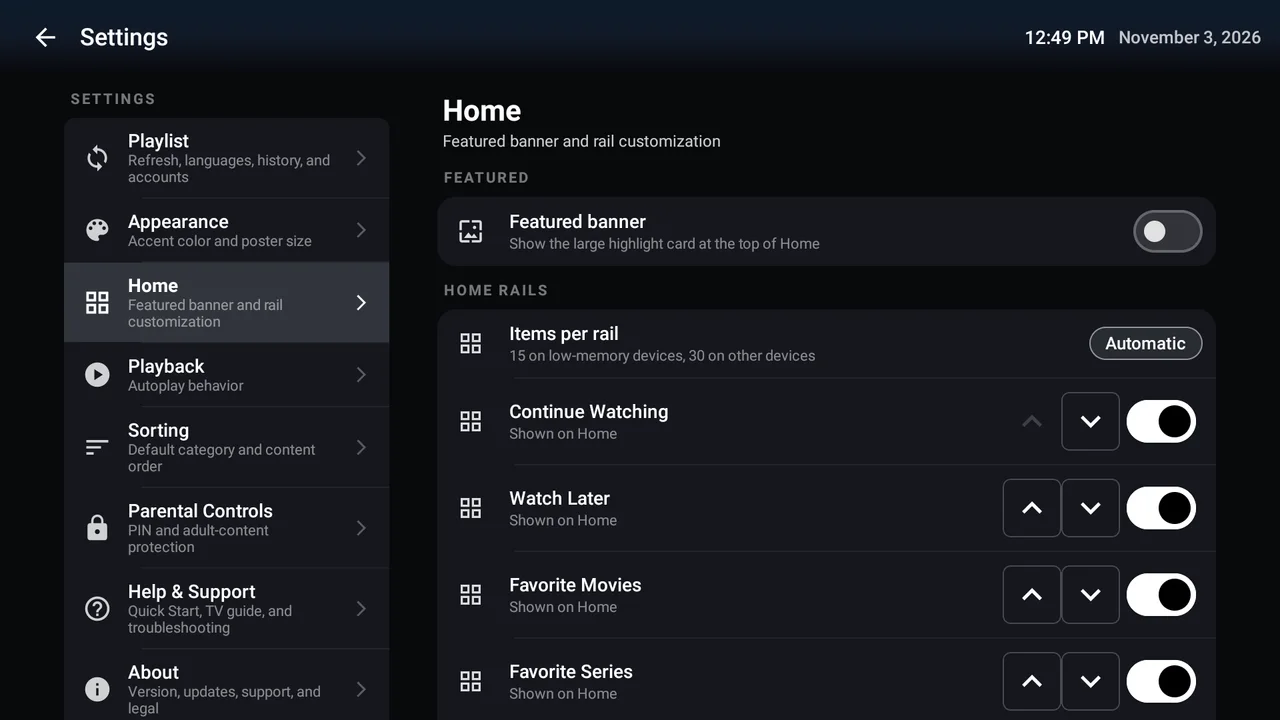
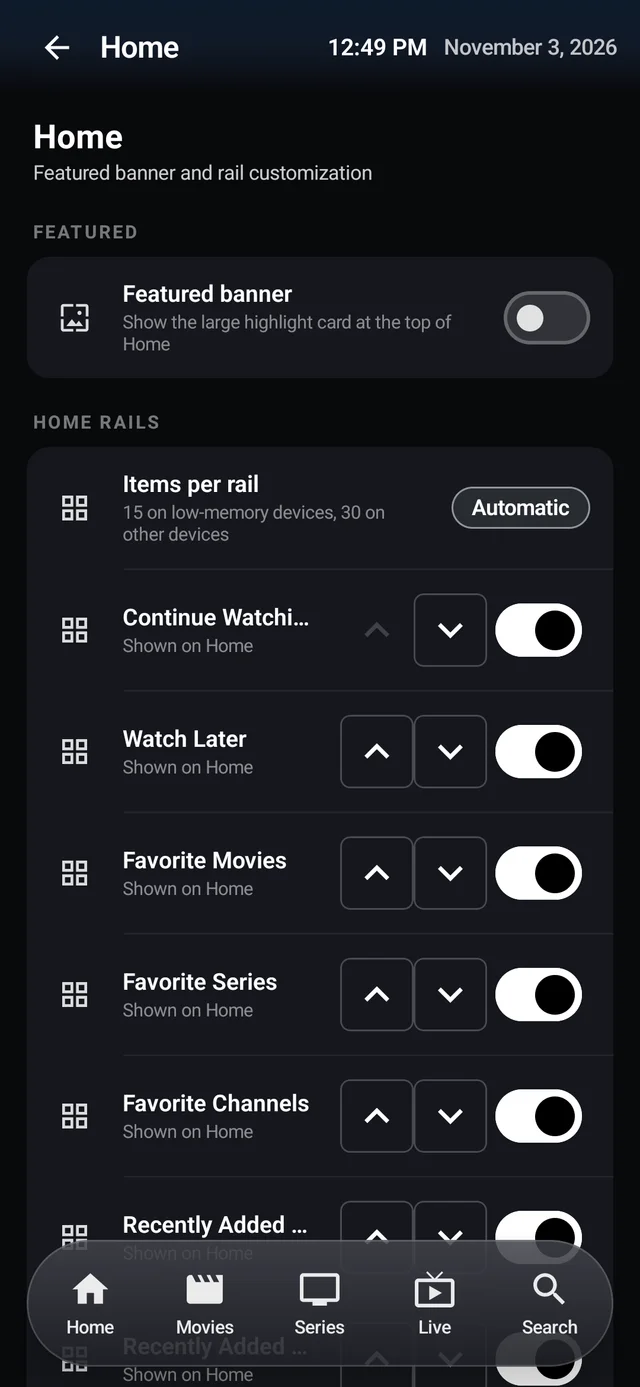
Your curated Home
Your Home.
Your order.
Move favourites up. Hide rails you don't use. On Android and Fire TV, make Home feel like your own front row.
Shape your Home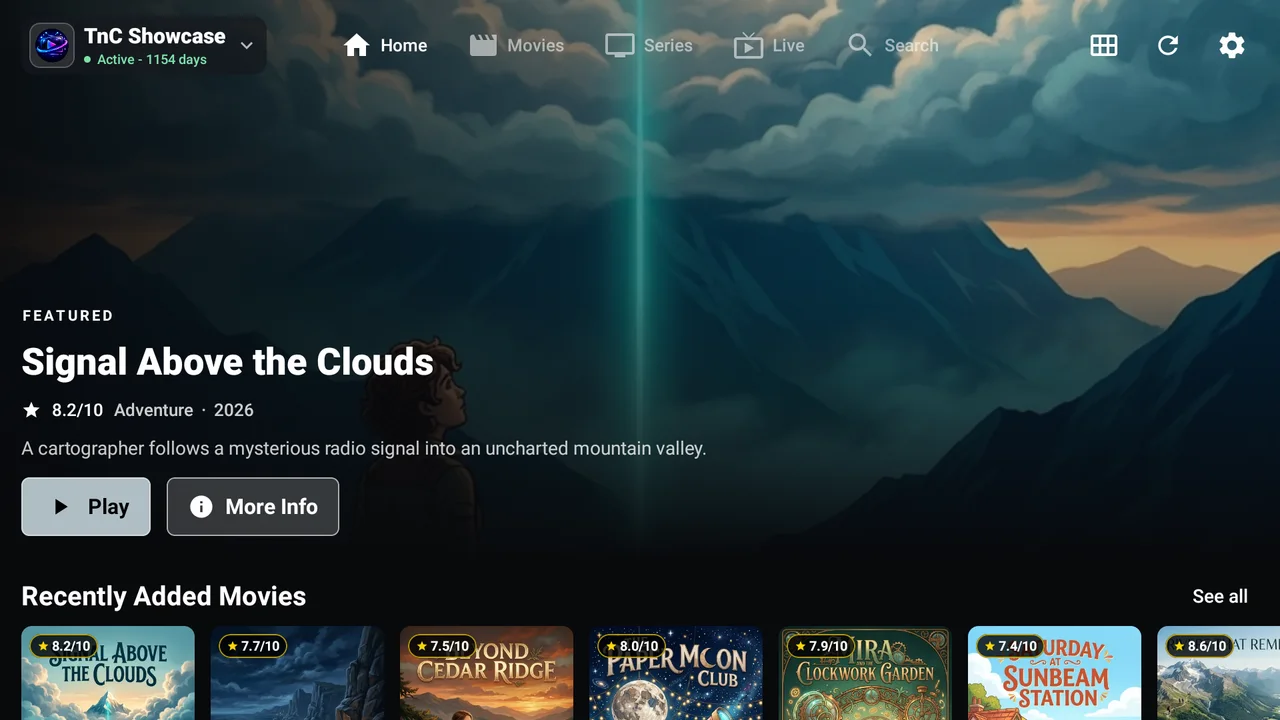
Free to download. Free to use.
A little less scrolling.
A lot more settling in.
Live TV, movies, and series. Beautifully brought together on your TV and in your hand.
Bring your own playlist. No channels or subscriptions included.
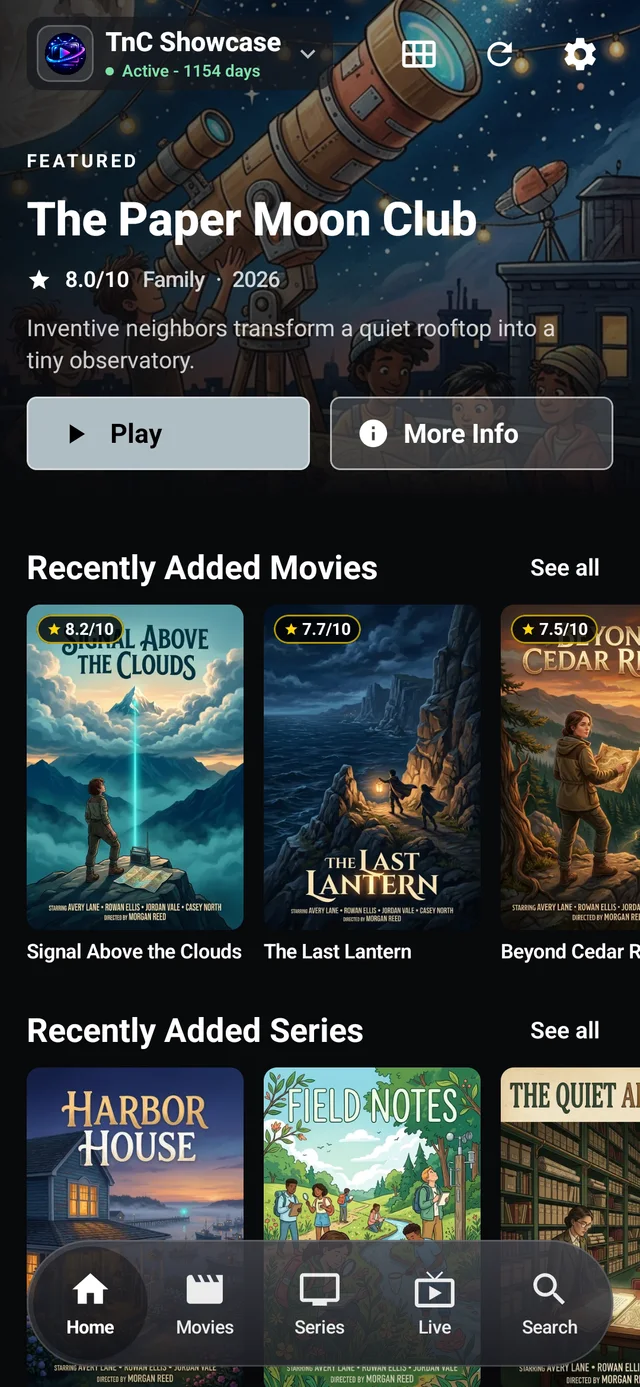
Thoughtfully put together
A player that gets out of your way, with the details that make everyday watching better.
Your curated Home
Move favourites up. Hide rails you don't use. On Android and Fire TV, make Home feel like your own front row.
Shape your HomeStay in the moment
Choose available audio and subtitles. Find the picture fit that feels right.
Control illustration. Options depend on your stream and device.
From sofa to on the go
D-pad navigation on Android TV and Fire TV. Touch-friendly browsing on phones and tablets, including iPhone and iPad.
Control illustration; actual interfaces vary.
Android & Fire TV guide
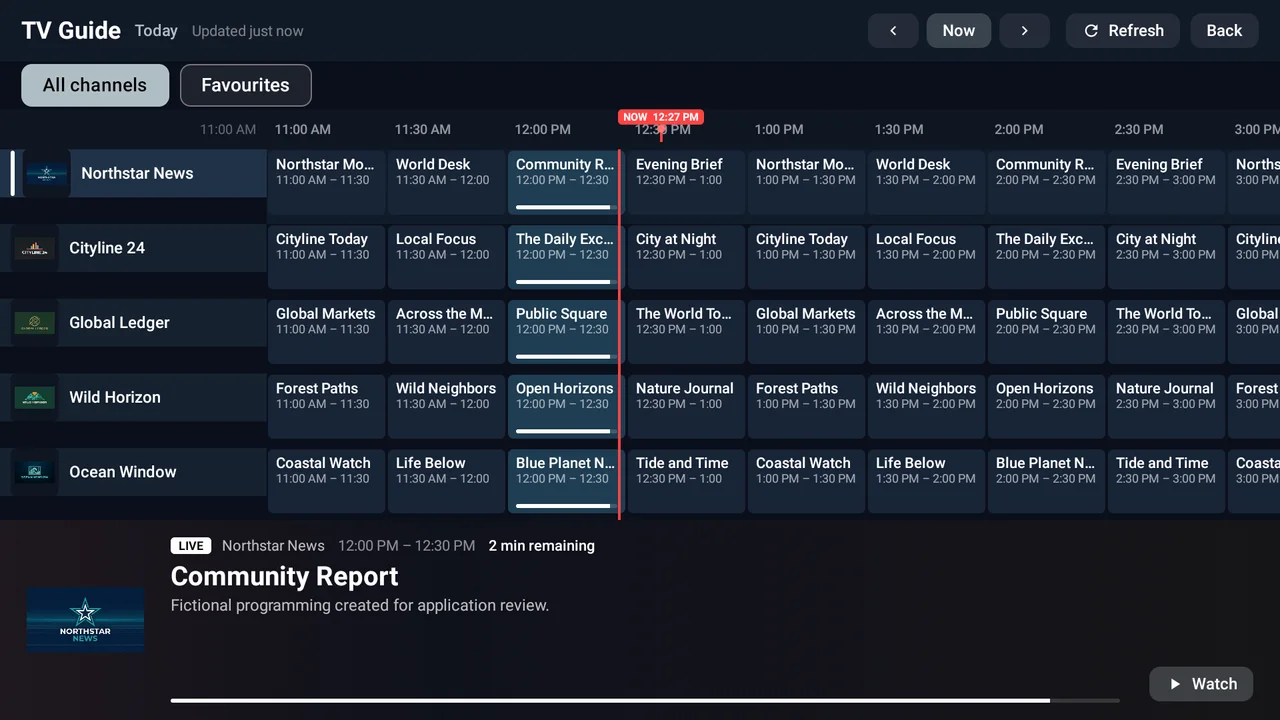
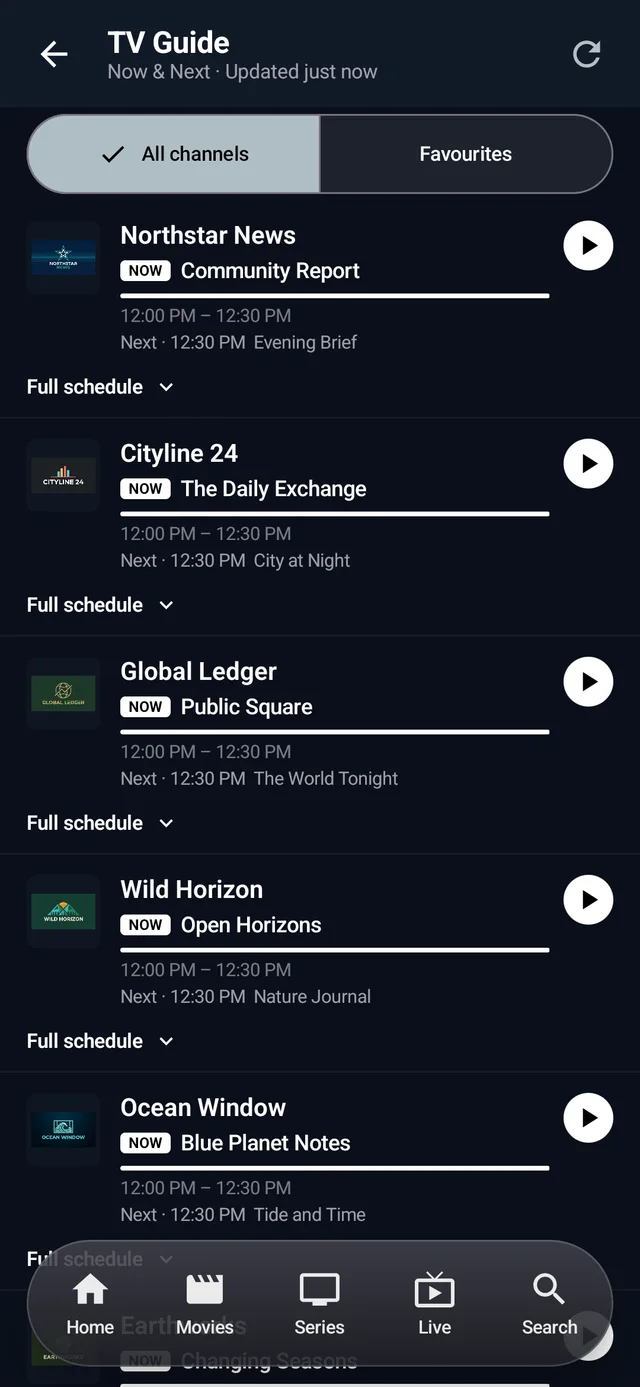
Use your saved live favourites to filter the TV timetable or phone Now & Next guide. Less noise. More worth watching.
Make the guide yours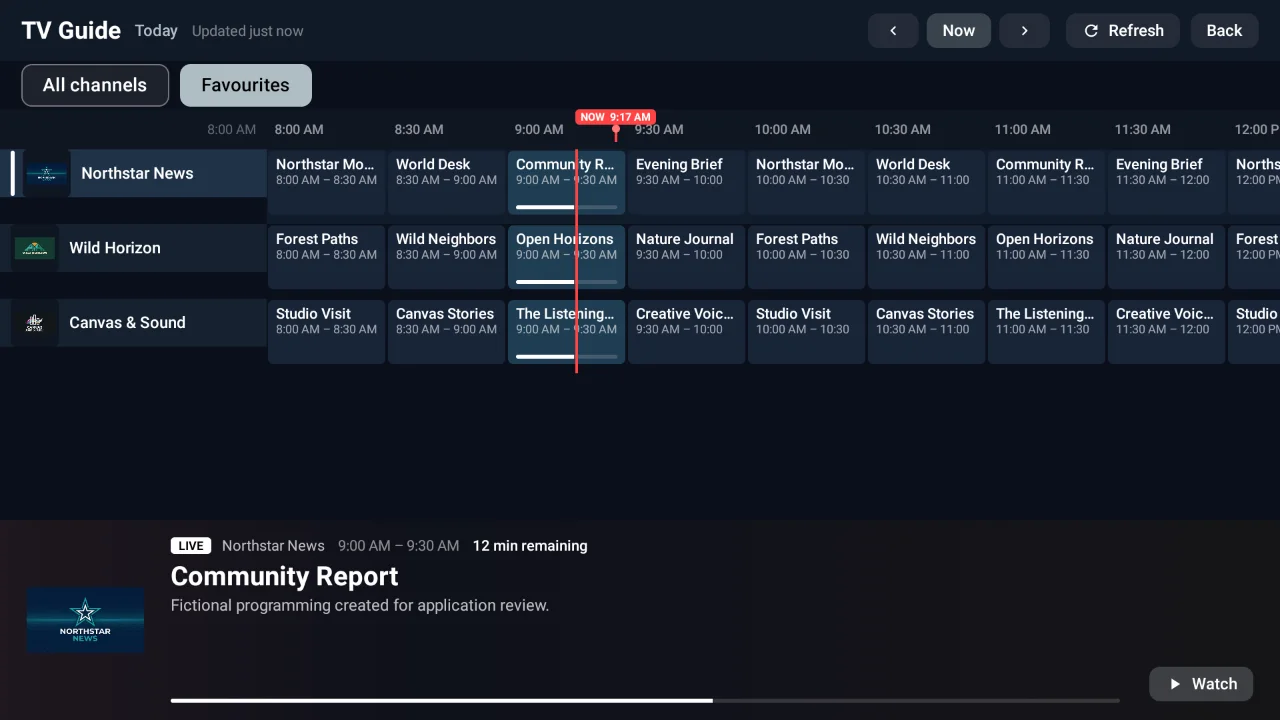
Keep favourites close. Build a Watch Later list for your next watch.
Find movies, series, and live channels across your playlist.
Filter and sort your Android/Fire TV catalogue. This doesn't translate audio.
Resume movies and series where you left off, on this device.
Feature illustrations; manage these options in the app. Features vary by platform.
From download to sofa
Get the right version for your Android device, Fire TV, iPhone, or iPad.
Find your downloadSign in with your provider details. On TV, use phone pairing to skip the remote typing.
Get connectedSave a channel, discover a movie, or try Demo Mode first. Make yourself at home.
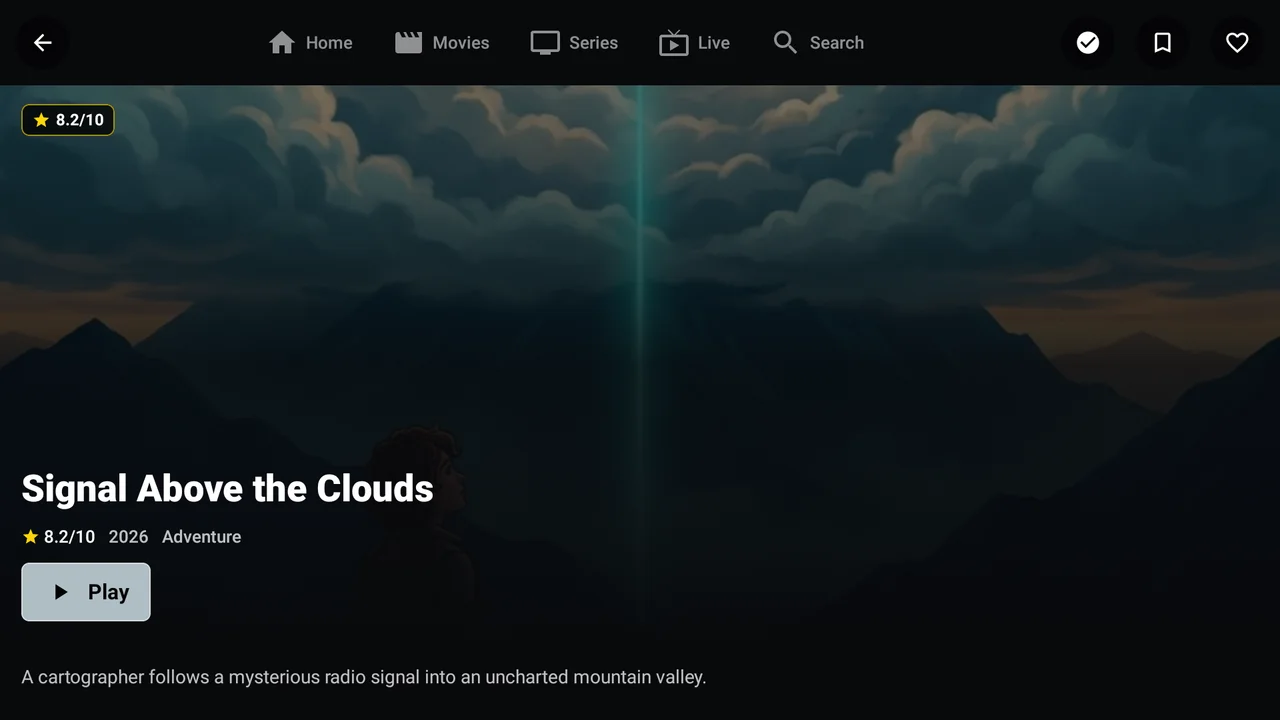
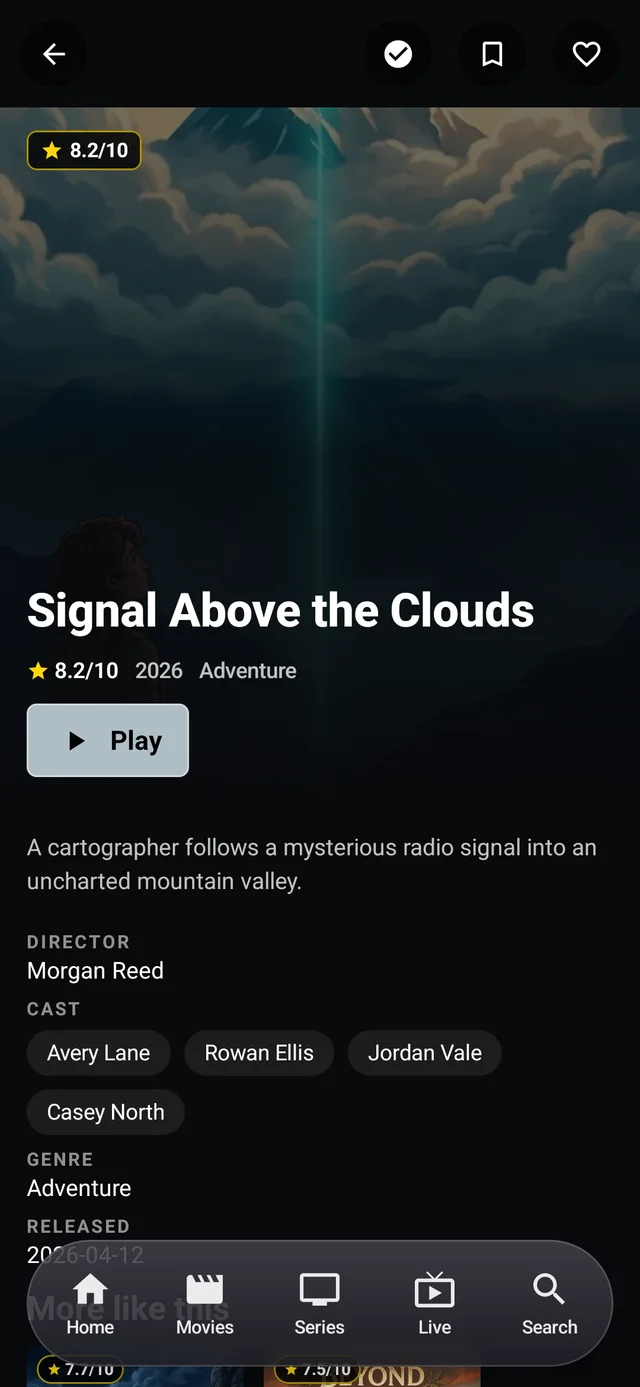
Save the good stuffScreenshots show the Android app with sample content from our authorised review playlist, not included channels or subscriptions. The iOS interface varies. Sample artwork belongs to its respective owners.